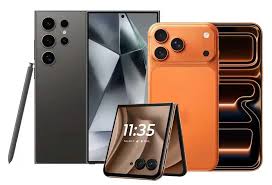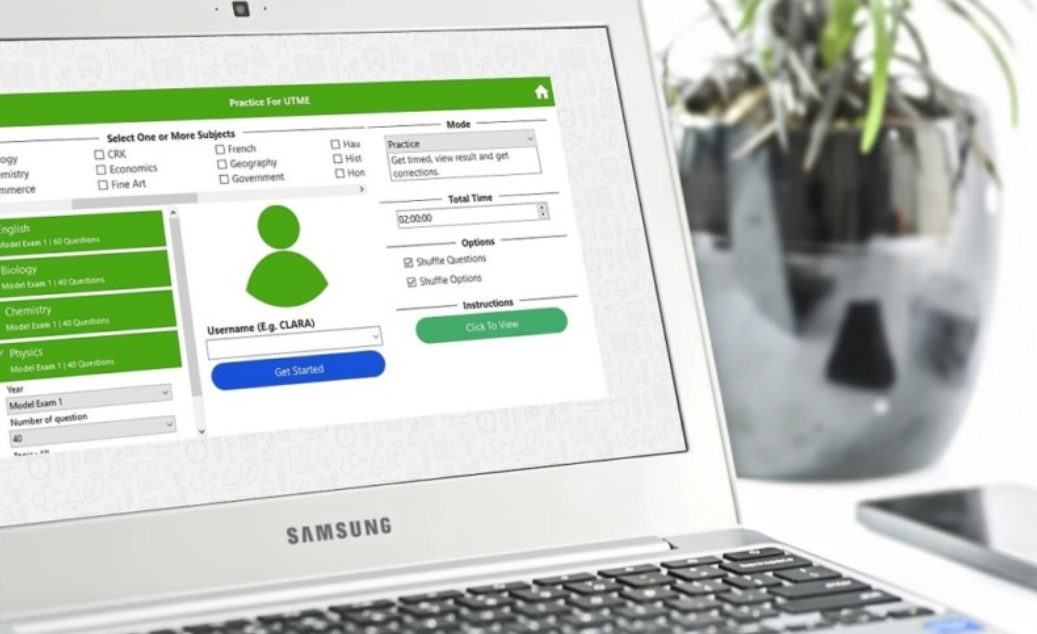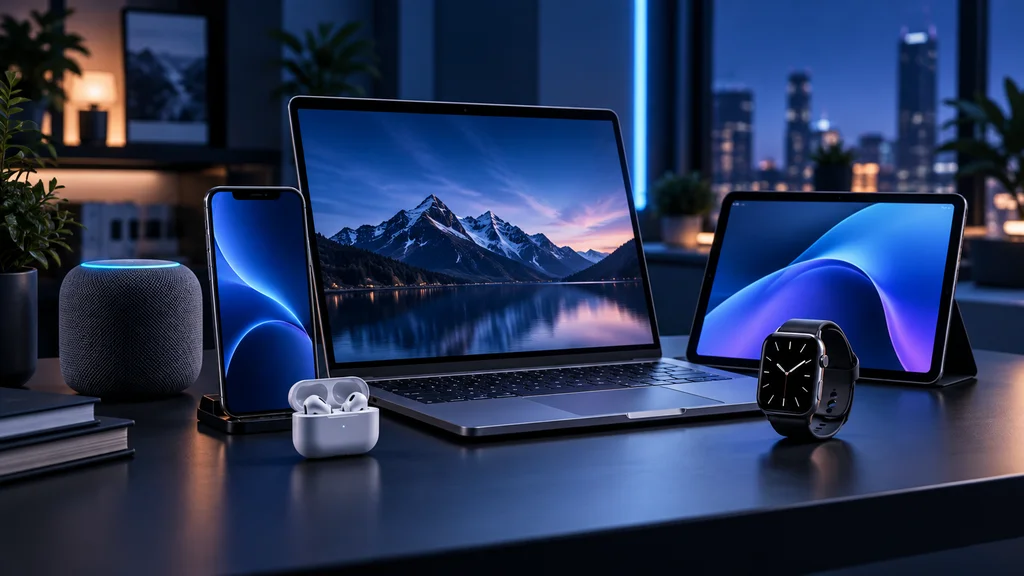
The top New Year tech upgrades for students and remote workers are a lightweight laptop, a tablet for notes and reading, noise-cancelling headphones, a second screen and a reliable webcam. These five upgrades make studying and working from anywhere easier, more comfortable and more productive.
A new year often brings a new semester, a new job or a fresh commitment to work smarter. If your current setup is slowing you down, these upgrades are worth considering.
1. A lightweight laptop
A fast, light laptop with all-day battery life is the foundation of any study or remote work setup. Apple’s MacBook Air is a popular choice because it is silent, portable and lasts a full day on a single charge. Compare current models in the MacBook range at AppleBitcoin.
2. A tablet for notes and reading
A tablet with a stylus is ideal for handwritten notes, annotating PDFs and reading textbooks. It is also lighter to carry than a stack of books. The iPad range at AppleBitcoin includes models for every budget.
3. Noise-cancelling headphones
Shared flats, busy libraries and open-plan offices can make it hard to concentrate. Noise-cancelling headphones block out distractions and are also useful for online lectures and calls.
4. A second screen
An external monitor can boost productivity by giving you space for research on one screen and writing on the other. Portable monitors that connect over USB-C are handy if you move between home and campus.
5. A reliable webcam and microphone
If you join online classes or meetings every day, a better webcam and microphone make a big difference to how you look and sound. They are an inexpensive upgrade with an immediate benefit.
Building a setup on a budget
If money is tight, focus on comfort and reliability first. A laptop stand, an external keyboard and a basic second screen can make a big difference for very little. Upgrade the laptop or tablet later, when sales come around again, and buy accessories that will still work with your next device.
Keep your tech secure
Students and remote workers often use shared networks. Turn on automatic updates, use a password manager and enable two-factor authentication on email and cloud storage to protect your work.
Frequently asked questions
Is a tablet a good replacement for a laptop for students?
A tablet with a keyboard can handle notes, reading and writing, but many students still prefer a laptop for longer essays and specialist software.
Do I need noise-cancelling headphones for studying?
They are not essential, but they help a lot in shared spaces such as libraries, cafes and flats.
What size monitor is best for a home office?
A 24-inch or 27-inch monitor suits most desks and gives plenty of space for two windows side by side.
How can I make my remote work setup more comfortable?
Raise your screen to eye level, use an external keyboard and mouse, and choose a supportive chair. Small changes reduce strain over long working days.
Final thoughts
You do not need to upgrade everything at once. Start with the item that will save you the most time or frustration, and build your setup gradually through the year.